Ever thought of doing a blog skin by yourself?
This D.I.Y. is applicable to anyone. I didn't had any knowledge of html when i did this.
I want to make it simple for everyone.
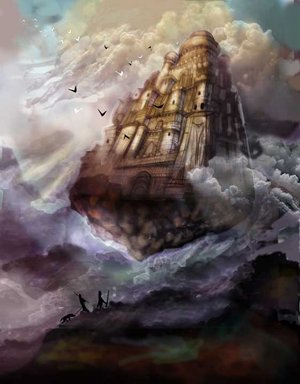
I have this 'Tryst Atmosphere' theme for months before i begun on this blog skin. I wanted to design my current blog's template to have a mosaic effect to it.
This could be easily done with the Harbor Template being it's base.
Below: You can find this template by selecting "Pick new" at your Template page.

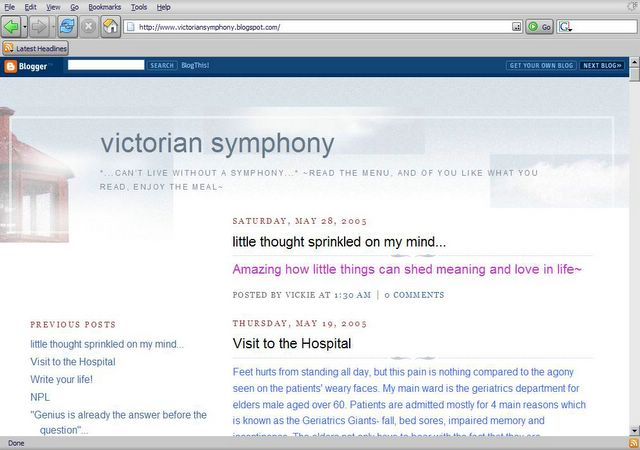
Below: Initially my blog template looked like this. I photo-captured Vickie's blog as an example how my previous blog template looked like.
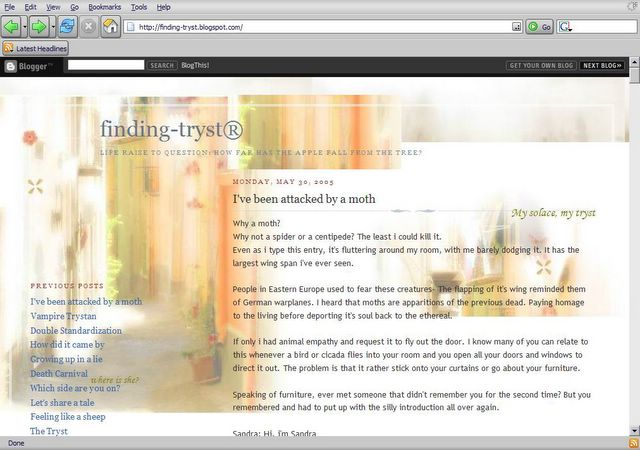
To transform your blog into something like this:
Step 1:

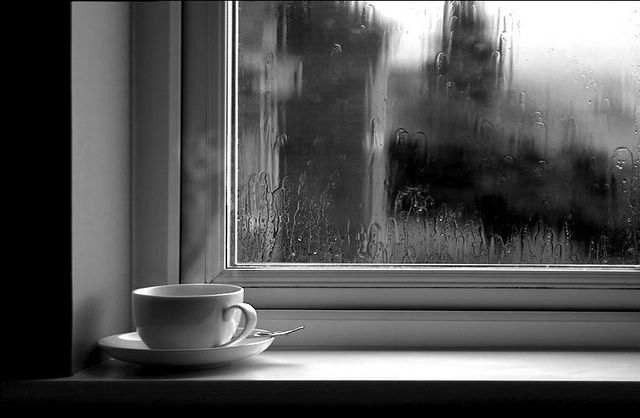
Select a mono-compositioned background or image. Above is an example of one mono-compositioned background. Text and images you post onto your blog won't be altered if you used a mono-compositioned background that does not attract too much attention from your articles and photographs.
It is also adviced to have a clear picture of what you want. You should have a theme and a concept to your blog.
My theme : Tryst Atmosphere.
Try finding stock pictures from deviantArt.com
Step 2:
Crop your picture into several 'mosaics'. Use a image or several images to create your crops. Crops can be done with ACDSEE by double-clicking on an image you have in your computer. Left-drag to desired portion of the image. Release. Right-click the image and select 'Save Crop As...'
Step 3:
Modify your template.

This here is how your template looks like if you're using the default Harbor Template hosted by blogger. Be sure to have a photo host such as photobucket.com
Click image to enlarge image.
Step 4:
Replace your tag.

Replace your 'mosaic' tags into the old template.
Replace them into the desired 'columns'.
Click image to enlarge image.
Note: Each tag has to be replace with a new image of your choice. The 'Mosaic' effect is created this way. Thanks to Danny for the emphasized notices.
Step 5:
Modified.

Click image to enlarge image.
Enjoy.
-D.I.Y. brought to you by Trystan.-